Genshin Impact cheats for PC

Genshin Cheats

Genshin Impact tools for PC open-world play — optional combat assists, enemy and chest ESP, world overlays, and save/load config profiles aligned with the Novaxware product listing.

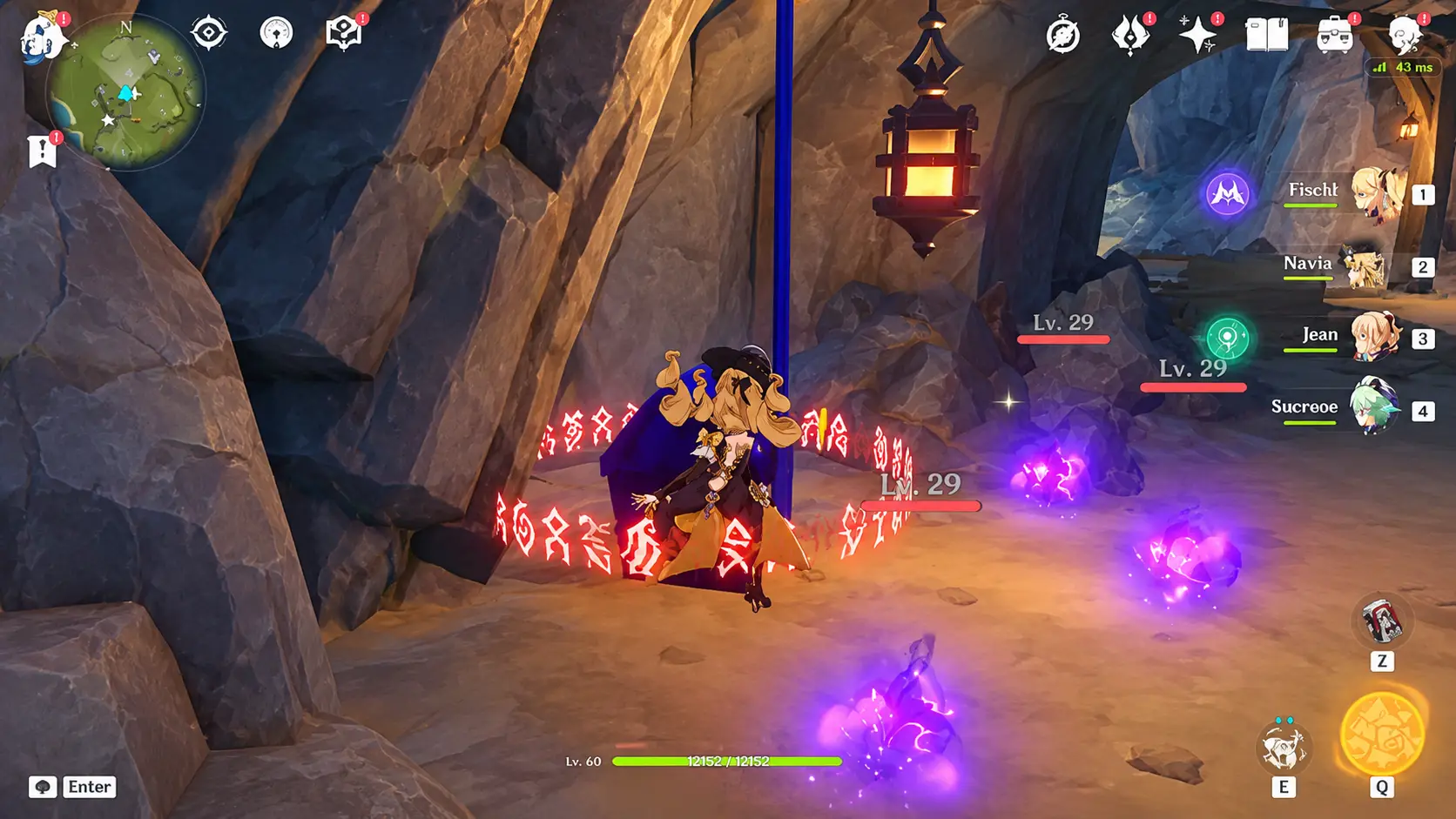
Genshin Impact gameplay and exploration on PC
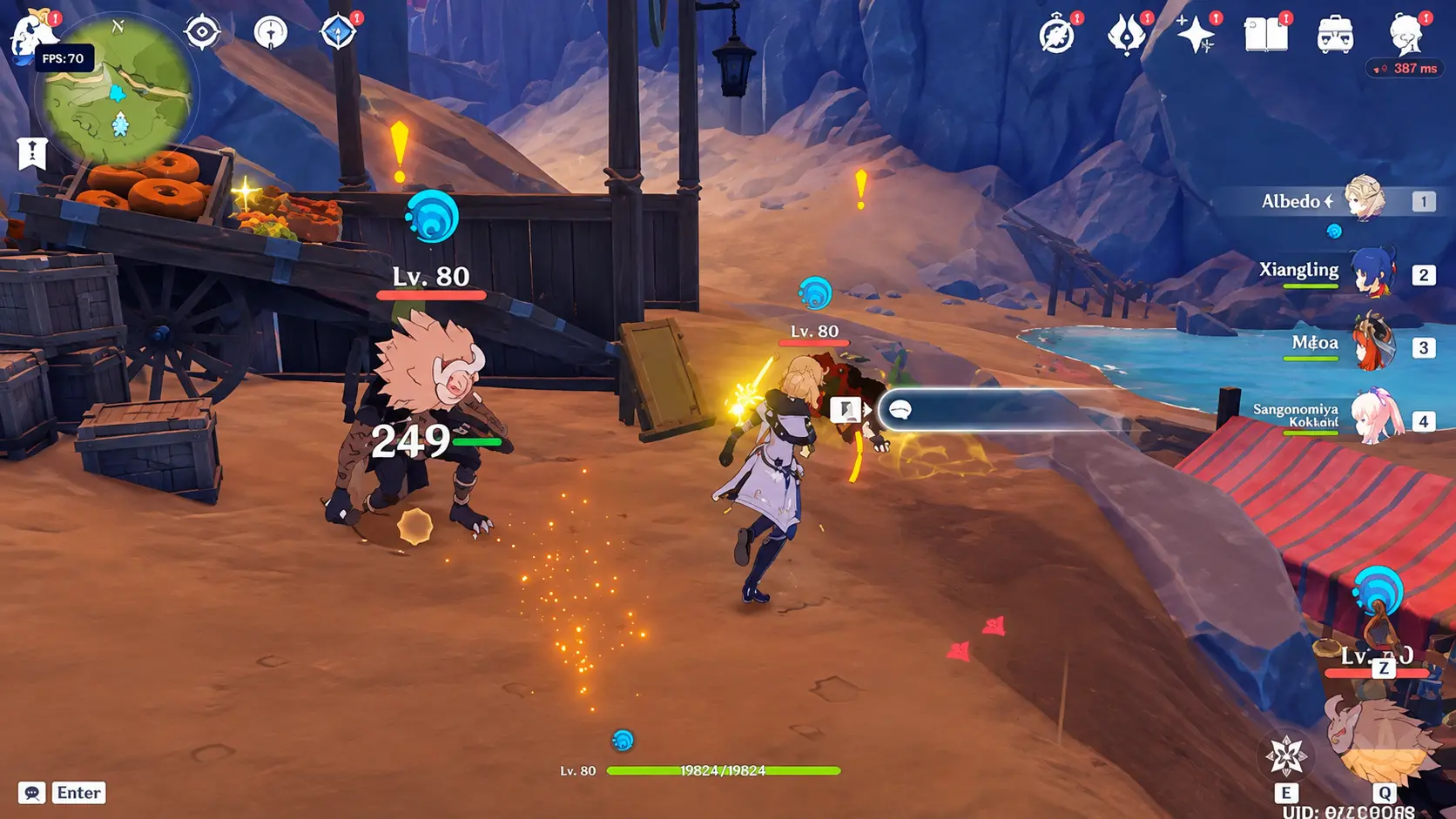
Genshin Impact visuals and character combat on PC
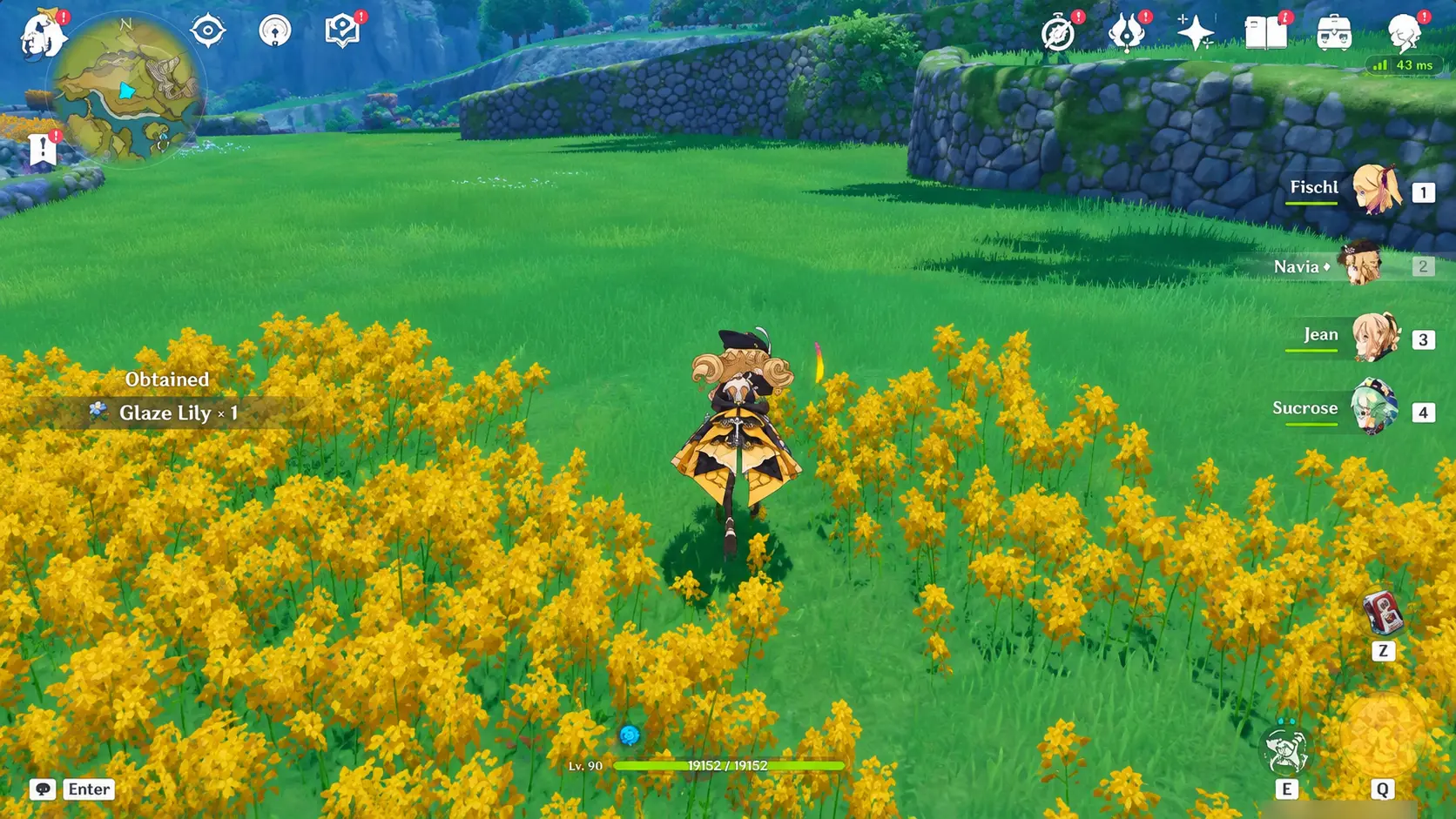
Genshin Impact open-world environment on PC
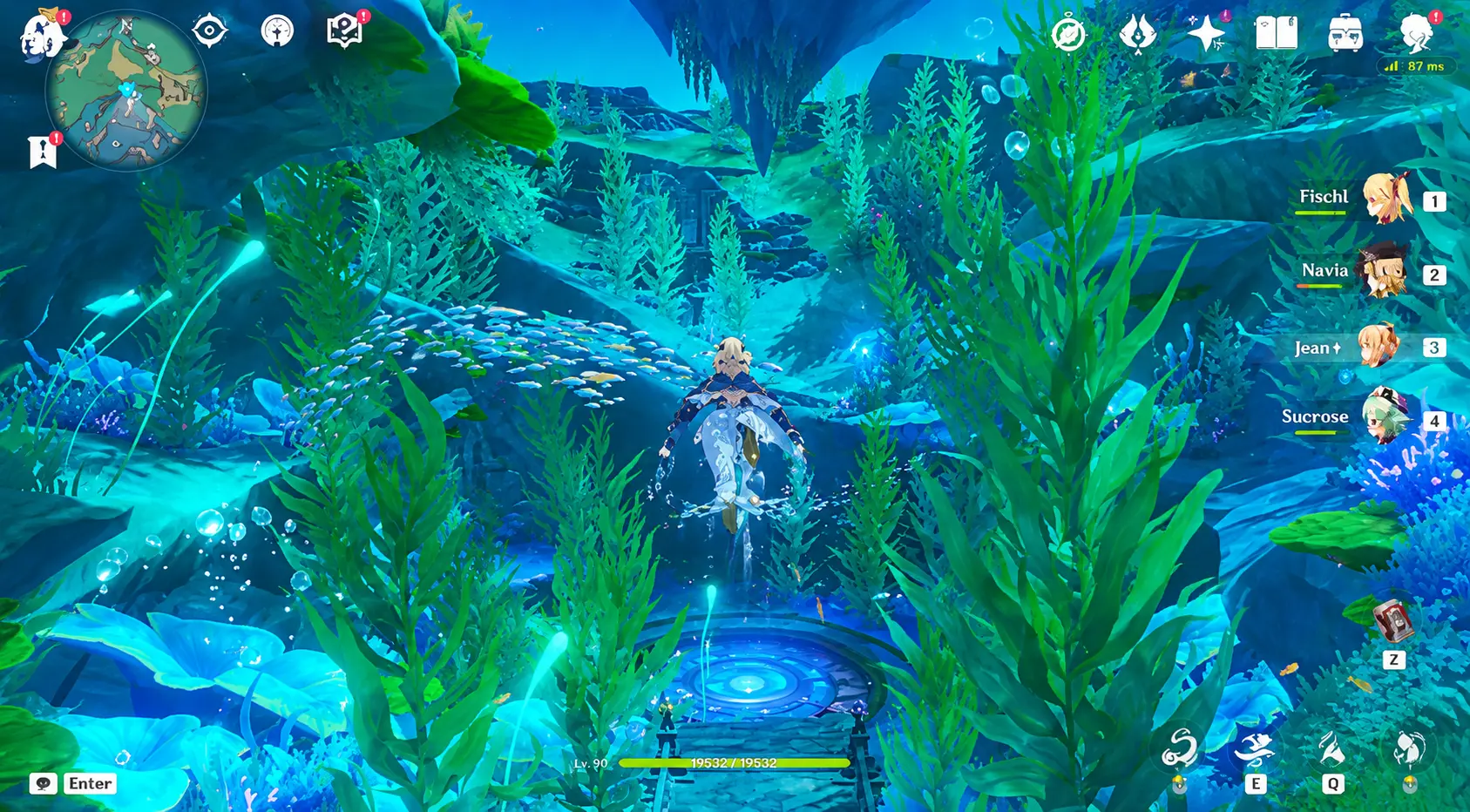
Genshin Impact world and region scenery on PC
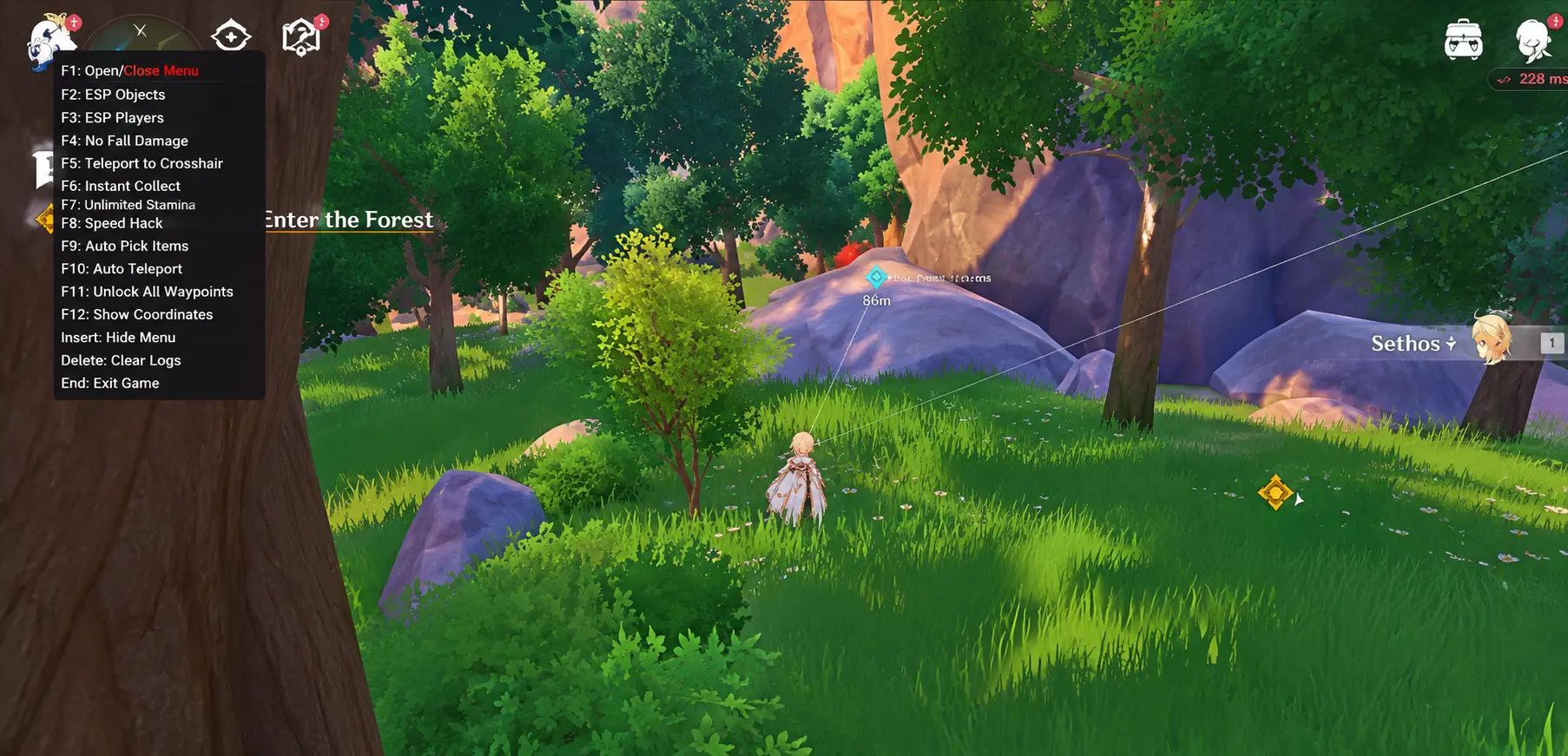
Genshin Impact cheat module preview on PC

Yes

Stream-safe

<24h

Patch speed

300+

Users

24/7

Support

ESP Active
Radar Online
Season Build
Undetected
Soft Aim Ready
No Recoil
Stream Proof
Loot ESP
Skeleton ESP
UAV Radar
wall ESP
24/7 Support
Instant Delivery
Spiral Abyss Safe
Trigger Bot
Bone Select
Live Status
Auto Updates
Windows 10 & 11
PC client launcher
Genshin Impact client
Auto updater
Config cloud sync
Seller support
HWID reset
External loader

Cheat features

Genshin Impact cheat modules

Combat overlays, character ESP, resource markers, and config tools aligned with the Genshin Impact PC product listing — for open world, domains, and boss encounters.

Combat assist

Targeting and timing assists

Configurable combat helpers with targeting range, smoothing, and weak-point emphasis for bow, catalyst, and melee rotations.

  • Adjust assist range for bow and charged attacks
  • Optional on-screen target indicators
  • Smoothing controls for ranged and melee
  • Tune before domains and weekly bosses

Player ESP

Outlines, boxes, snaplines

Character and enemy ESP with outline styles, box types, snaplines, and name tags for Hilichurls, Fatui, and bosses.

  • Outline, glow, or corner box styles
  • Snaplines to nearby enemies and elites
  • Distance readouts for world bosses
  • Co-op friendly color presets

Resource ESP

Chests, ores, and collectibles

Highlights chests, local specialties, ores, and puzzle objects so you spend less time searching across Mondstadt, Liyue, Inazuma, and newer regions.

  • Common and exquisite chest markers
  • Ore and plant collection hints
  • Distance filters by region
  • Useful before spiral runs and events

Configs

Save and load profiles

Save and load config profiles so exploration, domain, and boss presets stay consistent between sessions.

  • Save config to disk
  • Load config on launch
  • Separate profiles per mode
  • Share presets across PCs via portal

Combat tuning

Weapon-specific layers

Separate tuning layers for sword, bow, catalyst, and polearm rotations as listed in the product portal.

  • Per-weapon smoothness presets
  • Pairs with combat assist range
  • Tune before Spiral Abyss floors
  • Pair with conservative ESP colors

Game modes

Where players use Genshin Impact cheats

Players use overlays across open-world exploration, story domains, co-op, and endgame content. Start with conservative ESP distance in co-op.

  • Open world
  • Story domains
  • Spiral Abyss
  • Events and bosses

Shop

Buy Genshin Impact — PC cheats shop

HWID spoofer, Cloud DMA, UGC recovery, and Weapon loadout tools — pick what you need and checkout in minutes.

  • Spoofer & cleanup tools
  • Serial profile rotation
  • Compatibility scan
  • Post-spoof verification

+9 more features

  • Lifetime license
  • HVCI-compatible path
  • Portal setup guide
  • Seller hardware support

+6 more features

  • Custom appeal workflows
  • Dispute automation
  • Case documentation
  • Status tracking dashboard

+6 more features

  • Outfit skin swap
  • Wrap & weapon customizer
  • Exclusive set preview
  • Loadout favorites export

+7 more features

Cheat blogs

Genshin Impact cheat blogs

Combat assist setup, wall ESP config, Serenitea Pot practice tips and game security patch-day checks.

Serenitea Pot and bot lobbies to practice combat assist smoothness, ESP ranges and loadouts before ranked matchmaking.

Preview skins, wraps and exclusive sets locally with our Loadout Pack Weapon loadout tools module.

Hide wall ESP and script overlays from OBS, Game Bar and capture cards—test workflow for content creators.